Email Verification for Product Teams: Reduce Fraud Without Hurting User Experience
Email verification protects users and reduces fake sign‑ups, but verification can also introduce friction and lower conversion. The best systems are proportional: they reduce abuse while keeping onboarding smooth for legitimate users.
1) Start with the risk model
Before choosing verification rules, define what you are protecting:
- Low risk: newsletter access, basic content.
- Medium risk: free trials, posting content, inviting others.
- High risk: payments, sensitive exports, admin features, API access.
Verification strength should match risk.
2) Progressive verification beats “verify everything”
A common approach is progressive trust:
- Allow account creation with minimal friction.
- Require verification for higher‑risk actions (posting links, creating multiple projects, exporting data).
- Escalate with additional checks only if signals are suspicious.
3) Use multiple anti‑abuse signals (not one brittle rule)
Blocking a specific type of email address alone can generate false positives. Better signals include:
- High request rate (resends, sign‑ups per minute)
- Repeated sign‑ups from the same device fingerprints
- Failed challenges / bot-like interactions
- Account behavior after sign‑up (spam posting, link drops)
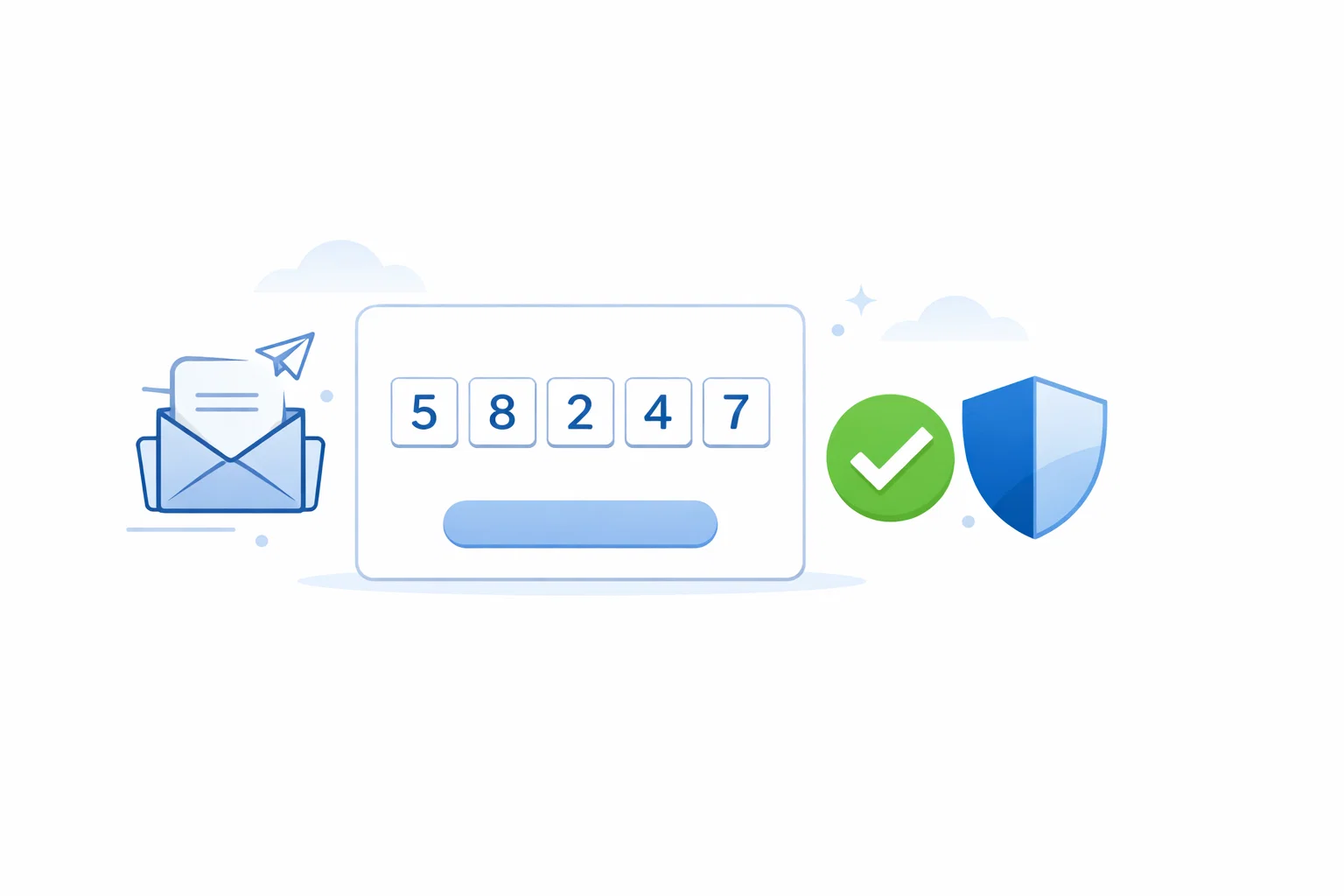
4) Make the verification email itself resilient
- Clear subject line: “Confirm your email for …”
- Put the CTA near the top (don’t bury it under marketing)
- Offer a backup code (in case links are blocked)
- Explain resend timing and what to do if the email doesn’t arrive
5) Treat deliverability like a product metric
Track the verification funnel:
- Delivery rate, bounce rate, spam placement
- Open/click rate and time‑to‑verify
- Resend frequency
- Drop‑offs by device, region, and email provider
6) QA: test verification without polluting real inboxes
Testing is faster when each test run has a fresh inbox:
- Generate a temporary address via TempMailbox.
- Trigger the verification message.
- Validate subject, layout, link targets, expiry behavior.
- Repeat for edge cases (resend, expired token, double click).
7) Good UX copy reduces support tickets
- Tell users verification is required and why.
- Offer a “change email” option.
- Show resend timers and spam-folder tips.
Conclusion
Verification works best when it’s proportional, observable, and respectful of user privacy. Progressive trust + good deliverability beats brittle “one rule” blocks.