Email Hygiene Playbook: Keep Your Real Inbox Clean Without Missing Important Messages
Your email address is more than a login credential—it’s a long‑term identifier that connects your accounts, marketing profiles, and data brokers. A clean inbox isn’t just “nice”; it reduces risk, improves privacy, and helps you respond faster to what matters.
1) Start with a simple inbox architecture
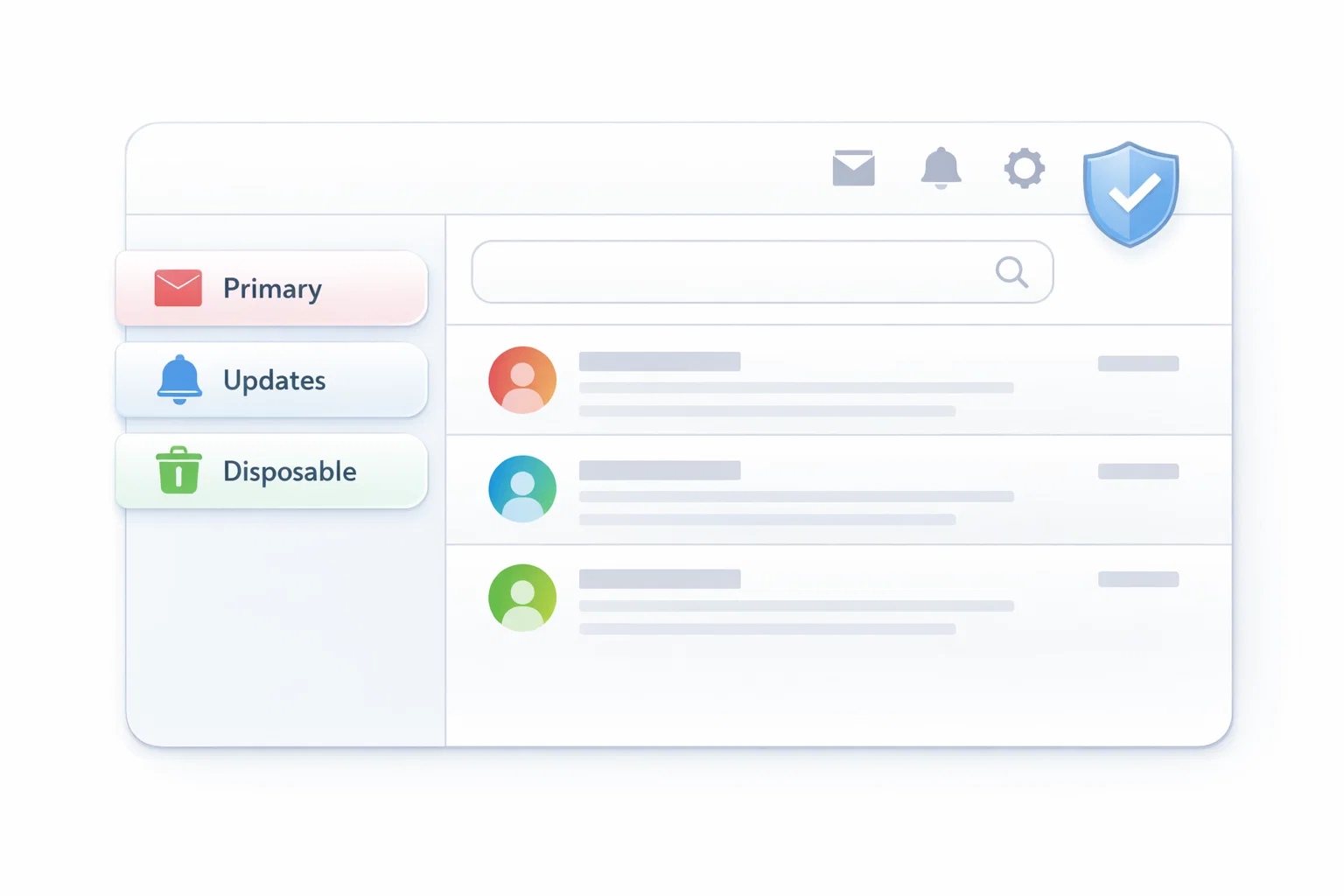
Most people use one email for everything. That’s why spam, promos, and important alerts get mixed together. A better approach is to separate by purpose:
- Primary inbox: banking, government, work, account recovery, critical subscriptions.
- Secondary inbox or alias: shopping, newsletters you actually want, communities.
- Temporary inbox (disposable): one‑time sign‑ups, trials, downloads, low‑risk verification flows.
TempMailbox fits in the third category: fast, short‑term receiving without giving away your personal inbox.
2) Use disposable inboxes for low‑risk sign‑ups
If you’re testing a tool, downloading a file, or reading an article behind a signup wall, it’s reasonable to avoid attaching your real email identity.
- Open the homepage and generate an inbox: TempMailbox
- Use the temporary address on the signup form.
- Return and refresh to receive the confirmation message.
- Complete the confirmation, then move on—no long‑term spam in your real inbox.
Important: Use a permanent email for accounts you’ll need months later (password resets, billing, legal records).
3) Stop “newsletter regret” with a 7‑day rule
Many newsletters feel useful in the moment and overwhelming later. Try this:
- Subscribe with a non‑primary address or an alias.
- After 7 days, decide: keep, filter, or unsubscribe.
- If you never opened it—unsubscribe immediately.
4) Build filters that reflect real life
Filters work best when they match your priorities:
- Auto‑label receipts and invoices (shopping, SaaS).
- Auto‑archive promotions you don’t need daily.
- Pin/flag security alerts and account activity messages.
5) Avoid the biggest hygiene mistakes
- Using temp mail for critical recovery: you may lose access after retention expires.
- Reusing the same address everywhere: it becomes a cross‑site identifier.
- Downloading unknown attachments: scan first; treat unexpected files as risky.
6) When to use TempMailbox vs aliases
If you need long‑term recovery and ownership, an alias can be better. If you need short‑term isolation, a disposable inbox is often the cleaner solution. If you want the basics, start here:
Final checklist
- Primary email is reserved for critical accounts only.
- Disposable inboxes are used for one‑time sign‑ups and low‑risk verification.
- Filters keep receipts, security alerts, and work messages easy to find.
With a small system, your inbox stays useful—and your privacy improves automatically.